articles
Pain Points in SAP Archived Data Access and Retrieval

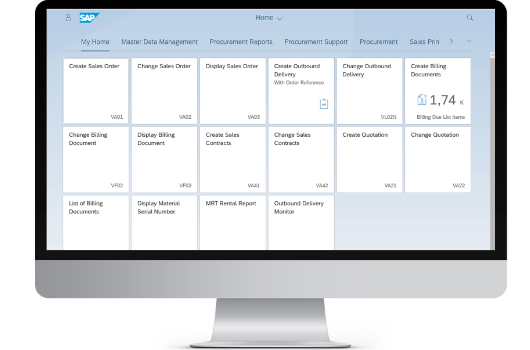
Data access and retrieval can be a pain point in SAP Data Archiving for several reasons. When data is archived, it is moved from the primary SAP database to an external storage system, which can make accessing and retrieving the data more challenging. Here are some detailed aspects of this issue:
- Slower access times: Accessing archived data can be slower compared to accessing data in the primary SAP database. The archived data is stored in compressed format on external storage systems, and retrieving it may require decompression and additional processing. For example, if a financial report requires historical sales data that has been archived, generating the report might take longer due to the time required to retrieve and process the archived data.
- Manual intervention: Depending on the SAP archiving solution and configuration, data retrieval may require manual intervention. Users may need to request access to archived data from an administrator or the IT department, which can be time-consuming and create bottlenecks in the workflow. For example, an auditor may need access to archived invoices for an audit, but they would first have to request the data from the IT department, wait for the data to be retrieved, and then analyze it.
- Limited access: Access to archived data might be restricted to specific users or user groups, which can make it difficult for some team members to access the information they need. For instance, a project manager may need historical data to analyze past performance but may not have the necessary permissions to access the archived data directly.
- Incompatibility with reporting tools: Some reporting tools or business intelligence solutions might not be compatible with the data formats used in the archiving process. This can make it difficult to include archived data in reports and analysis without first converting the data into a compatible format. For example, a data analyst may want to use a BI tool to analyze historical production data, but if the tool doesn’t support the archived data format, the analyst will have to spend additional time converting the data.
Loss of context: Archived data might lose some context when it is separated from the primary database. This can make it challenging to understand the relationships between different data sets or to analyze trends over time. For instance, a supply chain analyst might need to review purchase orders from several years ago, but without the context of the corresponding sales orders and inventory data, it might be difficult to draw meaningful conclusions. Access to transactional level details are very important.
To mitigate these challenges, organizations can invest in more advanced data archiving solutions that allow for easier data retrieval and integration with reporting tools. One such unique solution is detailed in ArchiveHub’s Archived Data Reporting, which is available in SAP Store. Additionally, implementing proper access controls and user permissions can ensure that the right team members have access to the archived data when needed.